In short: an equalizer (EQ) raises or lowers certain frequencies of a sound. It's mostly used to remove what gets in the way (useless low end, resonances, harshness) and to make room for each instrument. Golden rule: cut before you boost.
What is EQ?
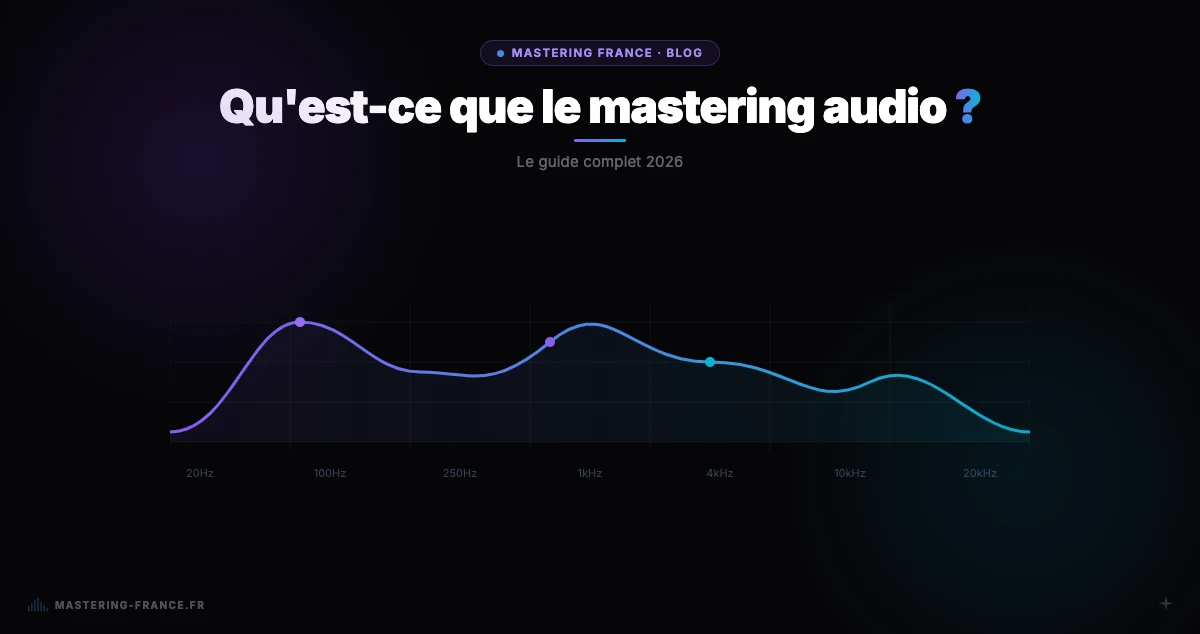
Every sound is made of frequencies, from lows to highs. Equalization means changing the balance between them: making a vocal clearer, a bass less muddy, a kick punchier. It's the basic tool of both mixing and mastering.
Frequency ranges and what they do
| Range | Frequencies | What you hear there | Too much = … |
|---|---|---|---|
| Sub-bass | 20–60 Hz | The weight of the kick and 808 | Heavy, clipping sound |
| Bass | 60–250 Hz | The body of the bass and kick | Muddy sound |
| Low mids | 250–500 Hz | Warmth, "wood" | Muffled, boxy sound |
| Mids | 500 Hz–2 kHz | The core of most instruments | Nasal sound |
| High mids | 2–5 kHz | Presence, lyric intelligibility | Harsh, aggressive sound |
| Highs | 5–10 kHz | Brightness, sibilance (s, sh) | Hissy sound |
| Air | 10–20 kHz | Openness, breath | Artificial sound |
Which EQ should you use?
- Parametric EQ: you choose each band's frequency, gain and width (Q). The most versatile
- High-pass and low-pass filters: cut everything below (or above) a frequency. Essential when mixing
- Shelf: raises or lowers everything above or below a frequency. Gentle, useful in mastering
- Graphic EQ: fixed bands. Handy in live sound, less precise in the studio
- Dynamic EQ: only acts when a frequency gets too loud. Ideal for taming sibilance or a resonance
How to EQ, step by step
- Filter out useless low end with a high-pass on tracks that don't need it
- Find what gets in the way: boost a narrow band, sweep the frequencies, spot the unpleasant resonance, then cut it
- Carve space: if two instruments mask each other, gently reduce one where the other matters
- Boost last, with wide curves and moderate gains
- Always compare with and without EQ at matched loudness, and in the full mix rather than solo
Starting settings by instrument
| Source | Cut | Enhance |
|---|---|---|
| Lead vocal | High-pass 80–100 Hz, mud around 200–300 Hz | Presence 2–5 kHz, air above 10 kHz |
| Kick | Boxiness around 300–500 Hz | Body 50–80 Hz, click 2–5 kHz |
| Bass / 808 | Below 30 Hz, low mids if muddy | Harmonics 100–300 Hz for small speakers |
| Snare | High-pass 80–100 Hz, drum ring | Body 150–250 Hz, crack 3–5 kHz |
| Guitars, synths | High-pass 100–200 Hz | Presence 1–4 kHz depending on the role |
EQ in mastering
In mastering you EQ the whole song: moves are broad and light, 1 to 2 dB at most. If a problem needs more, it comes from the mix. At Mastering France, EQ moves your track toward a reference curve measured on commercial masters of the chosen style, with deliberately limited corrections.
Go further: our guide on how to mix your music and our article on audio compression.